
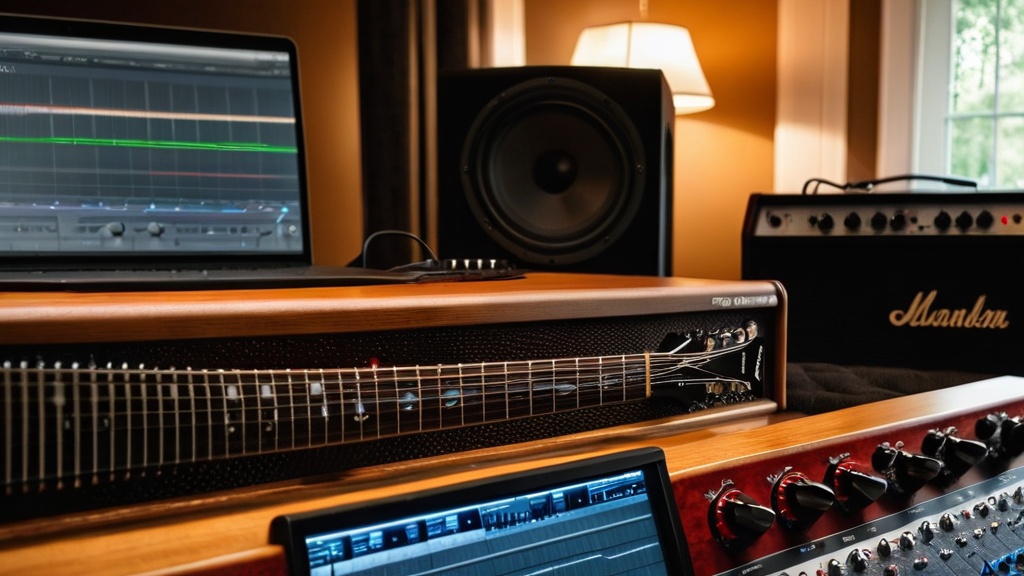

Recording your guitar playing at home takes a laptop or computer, an audio interface, headphones and recording software (a DAW). You plug an electric guitar into the instrument input of the interface, and you record an acoustic guitar with a microphone. Keep your peaks around -12 dB, record a few takes and polish the best version in the mix.
Recording at home is an accessible way to capture your playing, whether you are just starting out or have been playing for years. Listening back helps you improve your technique, and you can easily share your music with others. The quality of your recordings depends not only on your gear, but above all on how you use it. So start with a clear idea of what you want to capture and take the time to experiment with settings and techniques.
Summary
- The basics: a computer or laptop, an audio interface, headphones, recording software and, for acoustic guitar, a microphone with a stand and cables.
- Condenser microphones are ideal for acoustic guitar because of their sensitivity and clarity; dynamic microphones suit a guitar amp better.
- Choose software (a DAW) that works on your operating system and with your interface; amp simulators and effects are handy for electric guitar.
- Set the input level carefully to avoid clipping and noise.
- Use a quiet room with soft materials such as curtains, carpet and acoustic panels to limit reverb and echo.
- Finish your recording with EQ, compression, panning and a little reverb, and export to WAV or MP3.
Recording guitar with your laptop in 7 steps
With a laptop, an audio interface and free software you can make your first recording within fifteen minutes. Here is how:
- Install recording software. GarageBand is free on a Mac, and Audacity is free for Windows, Mac and Linux.
- Connect the audio interface via USB and install the manufacturer’s driver. On Windows, choose the ASIO driver.
- Connect your guitar. An electric guitar goes into the instrument input (Hi-Z or INST) with a jack cable. For an acoustic guitar without a pickup, put a microphone on the XLR input; a condenser microphone needs phantom power (48V).
- Select the interface in your DAW as input and output and set the buffer size to 128 or 256 samples.
- Create a mono track, choose the input your guitar is plugged into and arm the track for recording.
- Set the gain while playing as loudly as you will in the song, until the peaks reach around -12 dB.
- Monitor through headphones, turn on the click and record a few takes.
If you are recording with a microphone, place your laptop as far away as possible, because the sound of the fan can end up in your recording. Also close other programs and turn off notifications, so no sounds or glitches get into your recording.
Equipment you need for recording
The basic setup for home recording consists of a computer or laptop, an audio interface, a microphone and headphones. Your computer is the heart of your recording setup, so make sure it is powerful enough to record and edit audio smoothly. New to that little box? Here is how to use an audio interface with your guitar, from connecting it to your first take.
The audio interface connects your guitar and microphone to your computer and converts the sound to a digital signal. For guitar you need at least one instrument input. Choose an interface that fits your recording needs and budget. If you play electric, you can record through an amp with a microphone or go straight into the interface with an amp simulator in your software.
You also need:
- Headphones: closed-back headphones let you listen along while recording without the sound leaking into the microphone, and help you hear details when mixing.
- Microphone and stand: needed for acoustic guitar or an amp. With a stand you can place the microphone in exactly the right spot.
- Cables: an instrument cable for your guitar and an XLR cable for your microphone. Good cables prevent crackling and hum.
- Pop filter: handy if you also record vocals, because it dampens plosive p and b sounds.
Later you can expand with studio monitors for an accurate playback of your recordings, a mixer to balance several sound sources or extra microphones. Want to know how to set up a complete corner? Then read how to set up a home studio as a guitarist.
Choosing the right software for recording guitar
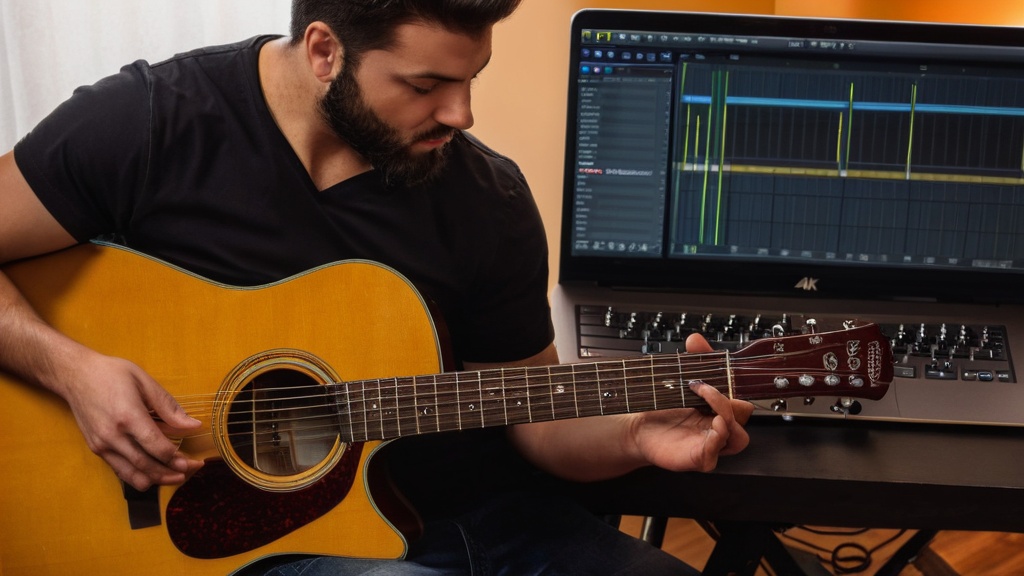
To record you use a digital audio workstation (DAW). Well-known options include Ableton Live, Logic Pro, Pro Tools, GarageBand and Audacity. GarageBand and Logic Pro only work on a Mac, while Audacity is free and runs on Windows, Mac and Linux. You can find an overview of free programs in the best free software for recording guitar.
Choose a DAW that is user-friendly and fits your needs as a guitarist. Some packages offer extensive editing and mixing options, while others focus mainly on quick recording. Software with amp simulators, effects and equalizers helps you refine your guitar tone. Also pay attention to compatibility with your operating system and your audio interface. Many DAWs have a free trial version, so you can find out which one suits your workflow best. With the same software you can also turn a short recording into a ringtone; you can read how that works in making your own ringtone with guitar.
Choosing the right microphone
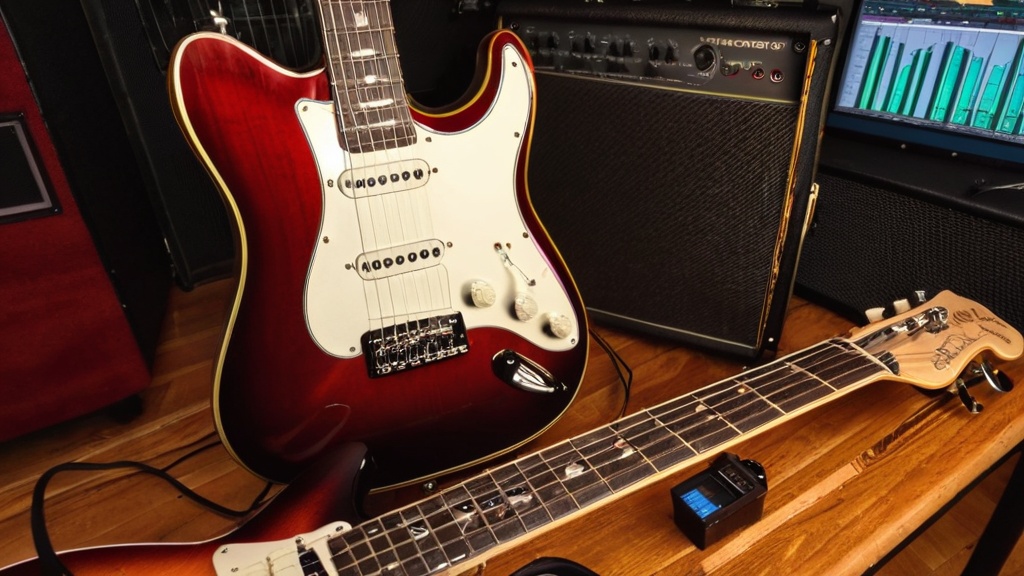
The microphone largely determines how clear your recording sounds. Dynamic microphones are sturdy and not very sensitive, ideal for live performances and for recording a guitar amp. Condenser microphones are more sensitive and have a wider frequency range, which makes them better suited to studio recordings of acoustic guitar and vocals. You can read which type fits your instrument best in which microphone to use for acoustic guitar.
Also take the room you are recording in into account. If there is a lot of background noise, a microphone with a directional pickup pattern helps limit unwanted sounds from the sides and behind.
Microphone techniques for recording guitar
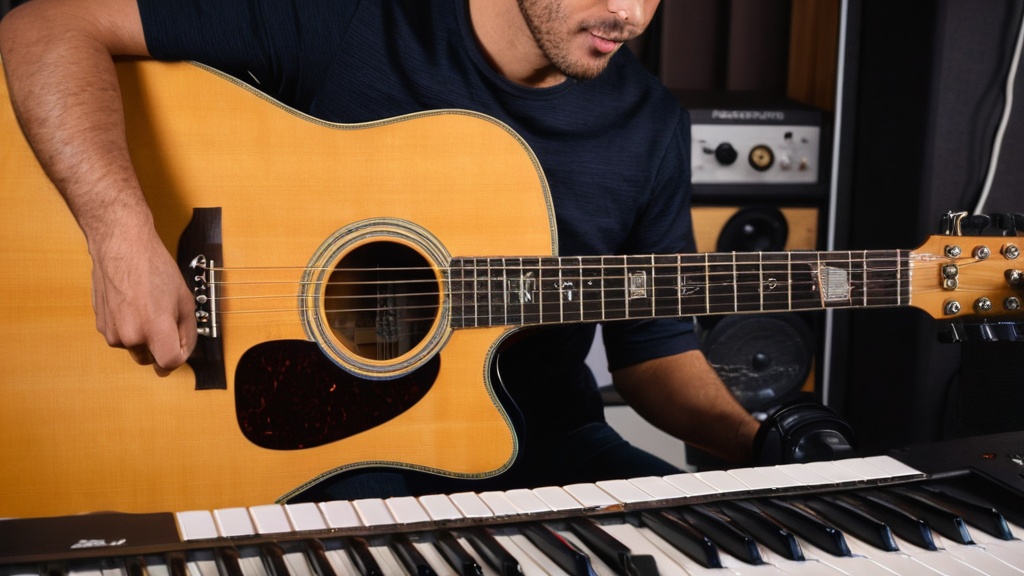
For acoustic guitar, a good starting point is a condenser microphone at about 30 cm (12 inches), aimed at the spot where the neck joins the body (around the 12th to 14th fret). If you aim straight at the soundhole, the recording often sounds boomy. Move the microphone closer to the strings or farther away for a different tone color, and listen back each time.
For an electric guitar through an amp, you place a dynamic microphone close to the speaker (close-miking) for a direct, powerful sound. Angling the microphone slightly toward the speaker reduces harsh peaks in the sound. You can also use two microphones, for example one close and one farther away, or a stereo setup for acoustic guitar, and combine those signals later in the mix.
Setting up your sound card and input level
Connect your audio interface, install the right drivers and check that your DAW recognizes the interface. Set it as audio input and output, so all sound runs through the interface. On Windows, preferably use the manufacturer’s ASIO driver for the lowest possible delay.
Then set the input level (gain) correctly. If it is too high, you get distortion (clipping); if it is too low, you will hear more noise after amplifying. A good rule of thumb is that the level peaks around -12 dB while you play, so there is room left for hard strikes. Check the levels regularly, also if you start playing harder as you go. A higher sample rate and bit depth (for example 24 bit) give you more headroom when editing.
Setting up your recording space
The room plays a big role in the quality of your recordings. Choose a quiet room, close windows and doors and turn off devices that buzz or hum. Avoid rooms with lots of hard surfaces that cause echo. A room with carpet, curtains, a couch or a full bookcase already sounds much drier.
Acoustic panels or absorption foam mainly dampen the high frequencies and give a calmer, more balanced sound. Also make sure you have enough light and a comfortable chair, so you can play relaxed. Bothered by hum or hiss in your recording? Then take a look at these tips for recording guitar without noise.
Recording techniques for different styles
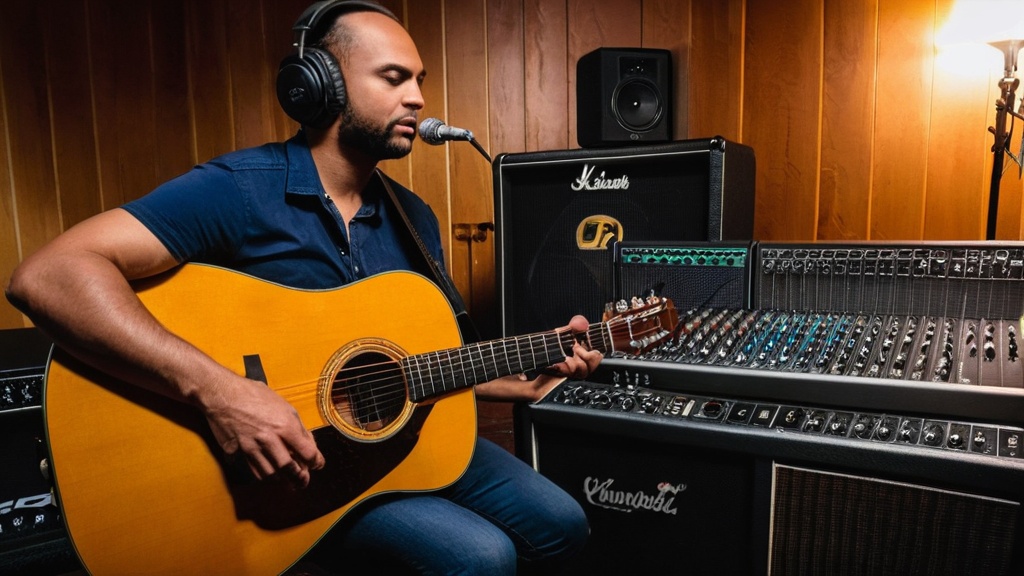
Every style calls for its own approach. With acoustic guitar you mainly experiment with the distance and angle of the microphone. With electric guitar, your amp, effects or amp simulator determine the sound. In every genre, pay attention to the timing and dynamics of your playing and practice your song until it runs smoothly before you hit record. If your recording sounds flat, first practice adding more dynamics to your guitar playing.
Want to capture several guitar parts, such as rhythm and lead guitar or a second voice? At home you usually record those one after another (overdubbing): first the rhythm, then the rest. If you really want to record several guitars at the same time, you need a separate input on your interface for each guitar. Record a short demo or a fixed structure beforehand, so you know where each part goes. Play along with a click in your DAW; practicing with a metronome makes that a lot easier. Record several takes and pick the best one afterward.
Mixing and editing your recordings
Editing starts after recording. Listen back to all your tracks carefully and make notes about what sounds good and what could be better. Cut out silences, clicks and mistakes to improve the flow.
The goal of the mix is a balanced sound in which every instrument is audible without getting in each other’s way:
- EQ: adjust frequencies and remove unwanted sounds.
- Compression: reduces differences in volume, so a track sounds steadier.
- Panning: give guitar parts their own place, for example rhythm guitar on the left and lead guitar on the right.
- Reverb and delay: add depth, but too much effect quickly makes your recording unclear.
Also watch the dynamics of the whole song: no single part should drown out the vocals or other instruments. Listen to different mix versions and, if possible, ask others for feedback. You can find more explanation in mixing guitar recordings for beginners.
Exporting, sharing and promoting
Once you are happy with the mix, export your song. Most DAWs offer several formats: WAV for the highest quality and MP3 for sharing online. Check beforehand that all tracks sound well balanced.
Share your recording on YouTube, SoundCloud, Instagram or Facebook, and use relevant hashtags to reach a wider audience. You can get onto Spotify or Apple Music through a distributor; that is some extra work, but it lets more people discover your music. Teasers or short clips build interest before you share the full song. Also reach out to other musicians: collaborating widens your reach and your network. If you write and sing your own songs, also take a look at these recording tips for singer-songwriters.
If you want to know what recording in a real studio is like, read how to play guitar in a recording studio. And because a good recording starts with good playing, professional guidance can give your technique and confidence a real boost. Read more about private guitar lessons from a professional.
Frequently asked questions about recording guitar at home
What equipment do I need to record my guitar playing at home?
You need a guitar, a computer or laptop, an audio interface and recording software. For acoustic guitar you also need a microphone with a stand. Headphones are handy for listening along while you record.
What kind of audio interface do I need to record my guitar?
An audio interface with at least one instrument input is enough to get started. The interface converts your guitar sound into a digital signal that your computer can process. If you also want to use a microphone, choose a model with a microphone input.
Which microphone is best for recording a guitar?
For acoustic guitar, a condenser microphone is often the best choice, because it is sensitive and captures the nuances of the sound well. For an electric guitar through an amp, you usually use a dynamic microphone or a microphone made specifically for amps.
Which recording software can I use for my guitar playing?
Well-known programs are Ableton Live, Pro Tools, Logic Pro, GarageBand and Audacity. Choose a program that fits your operating system, your needs and your experience level.
How do I improve the recording quality of my guitar?
Record in a quiet environment, experiment with microphone placement and set the input level correctly. Tune your guitar before every recording and limit background noise. Record several takes and pick the best one.
Do I need to consider copyright when recording covers?
Yes, if you record and share covers of existing songs, you need to take copyright into account. Get permission from the rights holders or the right license to avoid problems.
Can I record my guitar without an audio interface?
Yes, you can record an acoustic guitar with the built-in microphone of your laptop or phone, although it sounds less full and you hear more noise. For an electric guitar without an amp you do need an audio interface or a USB guitar cable.
How do I avoid latency while recording?
Set the buffer size in your DAW low while recording, for example to 128 samples, and use the right driver for your interface. Many interfaces also have direct monitoring, which lets you hear yourself without delay. When mixing, set the buffer higher again.
How do you record guitar with a laptop?
Connect an audio interface to your laptop via USB, plug your guitar into the instrument input and select the interface as input and output in your recording software. Create a track, set the gain and record while listening through headphones. Without an interface you can also record an acoustic guitar with the built-in microphone, but it sounds worse.

Leave a Reply