
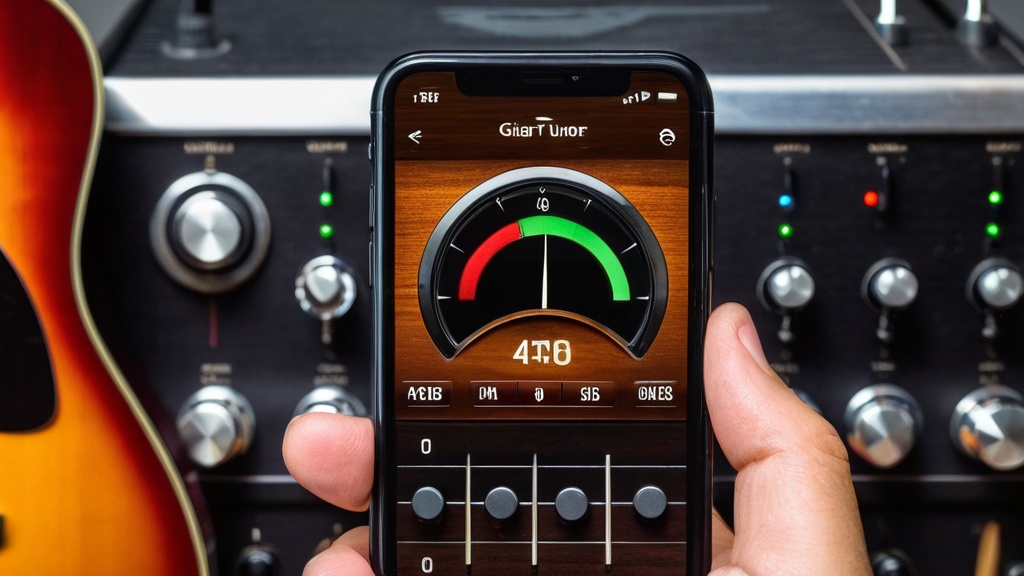

Short answer: With a guitar tuner app, you tune your guitar through your phone’s microphone. Open the app, allow microphone access, choose standard tuning E-A-D-G-B-E and pluck the strings one at a time. Turn the tuning peg until the needle sits in the middle, going from the low E string to the high e string.
What Is a Guitar Tuner App?
A guitar tuner app is an app you use to tune your guitar with your smartphone or tablet instead of a separate tuner. Tuning accurately is one of the first things you learn when you start learning to play guitar. The app picks up the note you play through the microphone, analyzes it and shows whether the string is too high, too low or in tune. Without an app, you can also check your tuning quickly with harmonics at fret 5 and 7.
That is handy when you are on the go or do not want to carry extra gear. Most apps are user-friendly and support different tunings, such as standard tuning, drop D and other alternate tunings. Some also have extra features, such as a metronome, a chord library and lesson material.
Summary
- A guitar tuner app tunes your guitar through the microphone of your smartphone or tablet
- You download it, free or paid, from the App Store or Google Play
- Set the reference frequency (usually 440 Hz) and the right tuning, such as standard E-A-D-G-B-E
- Pluck the strings one at a time and turn until the needle sits in the middle
- Tune in a quiet room and check your tuning before every practice session
- If the app does not work well, check the microphone, the settings and updates
- Alternatives are a tuner, a clip-on tuner, online tuners and reference tones
Choosing a Guitar Tuner App: What Should You Look For?
Choose a tuner app that measures accurately where you play, has a chromatic mode and knows the tunings you use. This table shows what to look for:
| Feature | Why it matters | What to look for |
|---|---|---|
| Microphone or clip-on | An app listens through the microphone and so also hears background noise. A clip-on tuner measures the vibrations of the guitar itself. | If you mostly tune at home in a quiet room, an app is enough. If you often play with others or on a stage, get a clip-on tuner too. |
| Chromatic mode | In chromatic mode, the app shows every note you play, not just the six notes of standard tuning. | Handy for alternate tunings and for other instruments. |
| Alternate tunings | For drop D, open G or a half step down, the app needs to know which note each string gets. | Check whether the app has preset tunings and whether you can save your own. |
| Reference frequency | The standard is A = 440 Hz, but a band or piano is sometimes slightly different. | Choose an app in which you can adjust the reference yourself. |
| Instrument choice | A bass guitar or ukulele has different strings and notes than a guitar. | Separate modes for acoustic, electric and bass guitar are handy. |
| Clear display | You want to see at a glance whether you are too high or too low. | A needle or color for the center position, and preferably a display in cents. |
| Ads and cost | Many apps are free with ads or have paid extras. | Try the free version first and only pay for features you really use. |
An app that recognizes which string you pluck on its own is nice when you are just starting out. If you would rather choose yourself, look for an app in which you select the string by hand.
Downloading a Guitar Tuner App
Open the app store on your smartphone or tablet: Google Play for Android or the App Store for iOS. Search for “guitar tuner” and look at the ratings and reviews from other users before you choose. You will find both free and paid apps, and many free apps offer extra features through in-app purchases.
Well-known choices include GuitarTuna, Cleartune and Pano Tuner. If you want an app that also includes chords and lessons, take a look at the best apps for learning to play guitar.
After installing, open the app. Many apps have a short introduction that explains the basic functions. Make sure your device has enough battery and install updates, so you have the latest features and improvements.
Opening and Setting Up the App
Most apps have a clear button to start tuning. Check the settings first. Give the app permission to use the microphone, choose the right tuning mode and adjust the microphone sensitivity if needed.
An important setting is the reference frequency. It is usually set to 440 Hz: the frequency of the A above middle C. This is the common standard. If you play with musicians who use a different reference, adjust this value so you all sound in tune together.
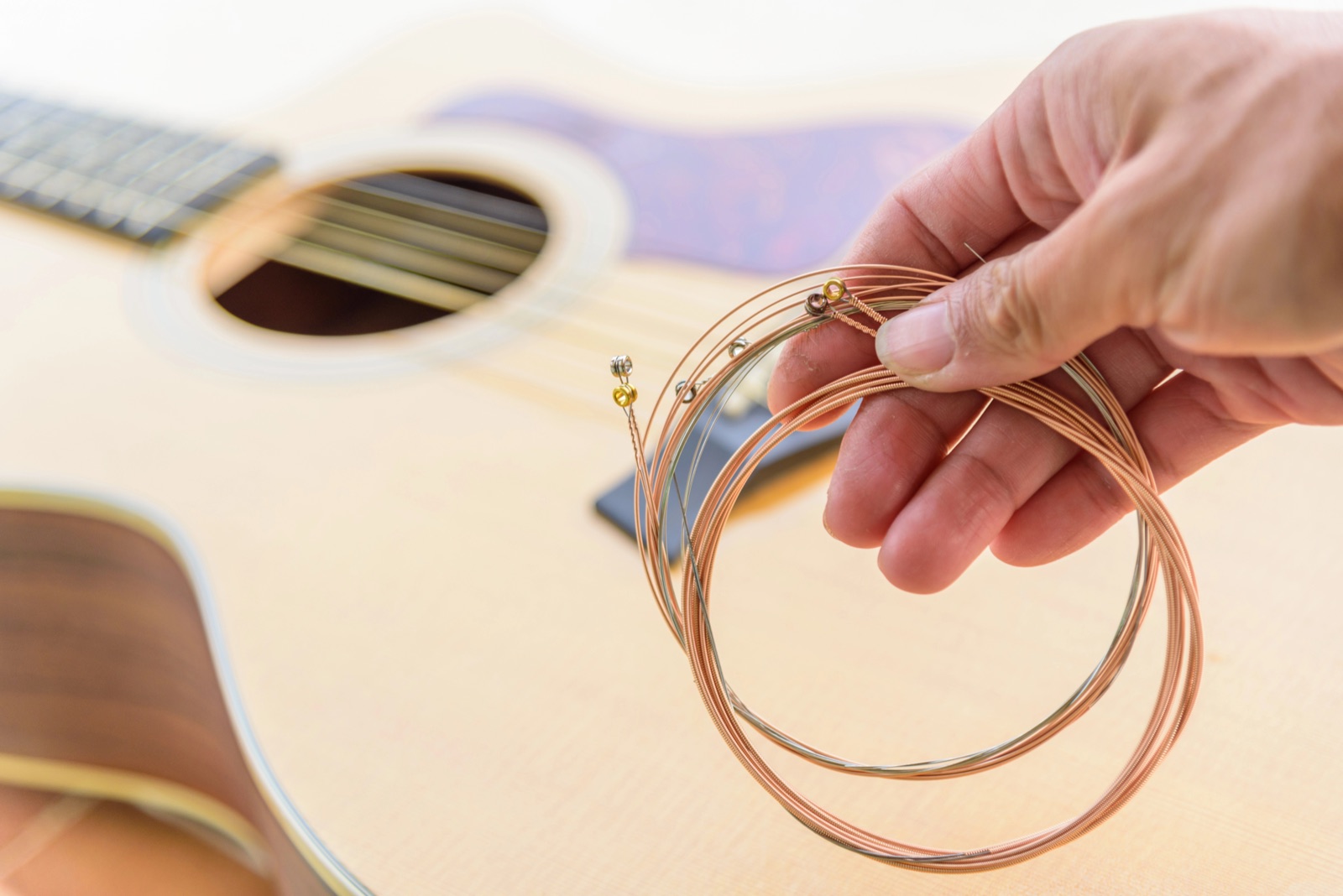
Then choose the tuning: standard (E-A-D-G-B-E), drop D (D-A-D-G-B-E) or another tuning you use. Some apps have separate settings for acoustic guitar, electric guitar and bass guitar. Also make sure your strings are put on properly and in good condition, because old or badly installed strings are hard to keep in tune. If you often switch between guitars or tunings, save your settings as a favorite so you can switch quickly. If you doubt whether your strings are still good, read how often you should replace guitar strings.
Tuning Step by Step With the App
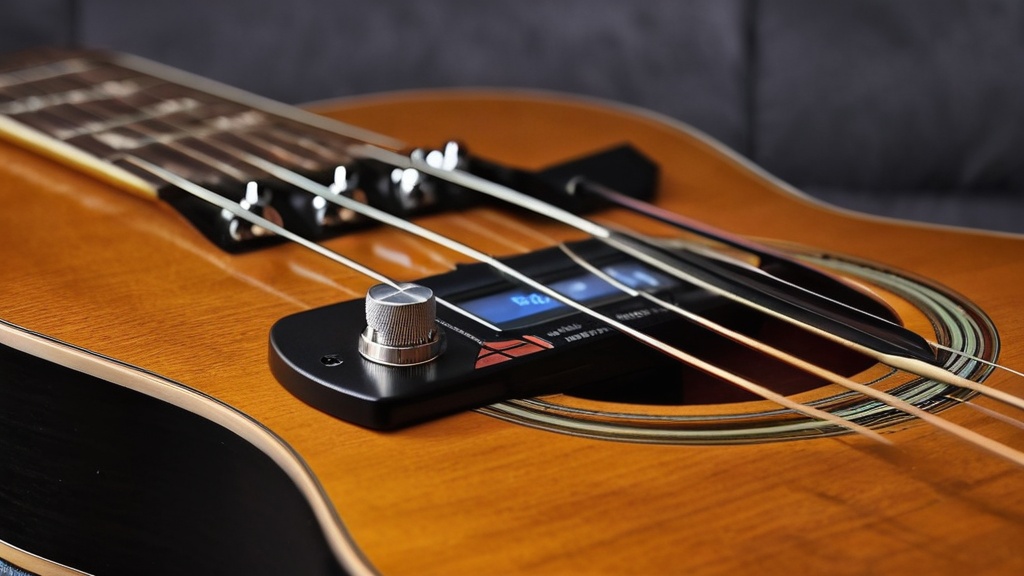
- Find a quiet spot and hold your phone close to the guitar, right next to the sound hole on an acoustic guitar.
- Pluck the low E string (the thickest string) and let it ring out.
- Look at the needle or the color. Usually left or red means too low, right means too high, and the middle or green means in tune.
- Turn the tuning peg until the needle sits in the middle. Preferably tune up to the note: if you are too high, first turn slightly below the note and then back up.
- Repeat this for the A, D, G, B and high e strings.
- Go over all the strings once more. When you adjust one string, the tension on the neck changes and the other strings may shift slightly.
In standard tuning, the strings have these notes and frequencies (with a reference of 440 Hz):
| String | Note | Frequency |
|---|---|---|
| 6 (thickest) | E2 | 82.41 Hz |
| 5 | A2 | 110.00 Hz |
| 4 | D3 | 146.83 Hz |
| 3 | G3 | 196.00 Hz |
| 2 | B3 | 246.94 Hz |
| 1 (thinnest) | E4 | 329.63 Hz |
In many apps you can also select a specific string, so you can work on one string at a time. Pay attention to how each string sounds when it is in tune. That also trains your ear for pitch.
Checking Chords With the App
Besides single strings, you can also check whether a chord sounds right. Some tuners and apps have a polyphonic mode: you strum all the strings at once and immediately see which string is off. You then readjust that string.
If your app does not have that feature, play a simple chord after tuning, such as E (022100) or G (320003), and listen for whether it sounds in tune. If a chord sounds off while the open strings are right, do not press too hard: too much pressure pulls a string sharp. If it stays off, the setup of your guitar may be the cause. You can read when a setup is needed and what happens during one in how often you should have a guitar set up.
Tips for Accurate Tuning
- Tune in a quiet room. Background noise disturbs the microphone and gives inaccurate results.
- Tune before every practice session or performance. Changes in temperature and humidity affect the wood and the string tension; also read how to care for your guitar in winter.
- Start at the lowest string and work upward. Then go over everything once more.
- After tuning, play a few notes or a chord to check that the tuning is right.
- New strings keep stretching for the first few days and go out of tune faster. Retune them more often; you can read how to put on strings properly in the tips for replacing guitar strings.
- Check your tuning now and then against a reference tone, such as a piano or another well-tuned guitar.
If your guitar keeps going out of tune quickly, take a look at the tips on how to keep your guitar from going out of tune.
Common Problems and Solutions
A common problem is that the app has trouble recognizing the note, especially in a noisy environment. Tune in a quieter room or use a clip-on tuner: it measures the vibrations of the guitar instead of the sound through a microphone. You can read more in the tips for tuning with a clip-on tuner.
If the needle jumps back and forth, pluck the string a little more softly, let it ring out and mute the other strings. If the app does not respond to certain strings or there is a delay between plucking and the feedback, check the settings and the microphone permission. If that does not help, restart the app, install updates or reinstall the app. If the tuning does not match other instruments, check that the reference is set to 440 Hz.
Alternatives to a Guitar Tuner App
A physical tuner is often more accurate than an app, especially in noisy environments. Such a device is small and easy to take to rehearsals and performances. You can read how to use one in the article about tuning a guitar with a tuner.
There are also online tuners you use in your web browser, handy if you do not want to download an app. You can also tune with reference tones from a piano or another well-tuned guitar, although that takes some experience and a trained ear. If you play with others, tune together, so you are all at the same pitch. Choose the method that best fits you and your situation.
Why Tuning Regularly Matters
A well-tuned guitar sounds better and helps you develop your ear and technique. You hear better how chords and notes sound together, and that helps with learning to play and with composing. You can read why this is so important for beginners in particular in why tuning your guitar matters for beginners.
A tuner also keeps you from accidentally turning a string far too high, which can make it break. With a well-tuned guitar, you get more enjoyment out of every practice session.
Sharing Experiences With Other Guitarists
Your experiences with a tuner app can help other musicians, for example with tips on which apps work well. Share them on social media, in forums or in the online communities for guitarists. Feedback to the makers of an app also helps with future updates and improvements.
Just starting out with guitar? Then also read how to start with guitar as an absolute beginner and which guitar suits you in the best guitar to learn on. With that knowledge and a well-tuned guitar, you lay a solid foundation.
Frequently asked questions about guitar tuner apps
What is a guitar tuner app?
A guitar tuner app is a mobile application you use to check and adjust the tuning of your guitar. The app shows whether each string has the right pitch.
How does a guitar tuner app work?
The app picks up the sound of a string through your smartphone’s microphone, analyzes the pitch and shows whether the string is too high, too low or in tune. You turn the tuning peg until the app indicates that the right note has been reached.
How do you use a guitar tuner app?
Download and install the app, open it and choose the type of instrument (for example acoustic guitar, electric guitar or bass guitar) and the tuning. Hold your smartphone close to the guitar and pluck each string separately. The app shows the pitch and indicates whether the string is in tune.
Are guitar tuner apps accurate?
In general they are reasonably accurate, but that depends on the app, your smartphone’s microphone and the background noise. Check the reference frequency setting and compare now and then with a physical tuner to be sure.
Why does my guitar keep going out of tune?
New strings keep stretching for the first few days, so they drop faster. Changes in temperature and humidity and loose tuning machines also play a part. Tune before every session and go over the strings once more after tuning.
Can you tune to drop D or another tuning with a tuner app?
Yes, many apps have presets for drop D (D-A-D-G-B-E) and open tunings. If your app does not have them, use the chromatic mode and tune each string to the note you need.
Which guitar tuner app is the best?
There is no single best app. Choose an app with a chromatic mode, an adjustable reference of 440 Hz and the tunings you use. Well-known apps include GuitarTuna, Cleartune and Pano Tuner: try a few and see which display you find the clearest.
Is a tuner app as good as a tuner?
In a quiet room, a good app tunes accurately enough for practicing at home. In a noisy environment, a clip-on tuner works better, because it measures the vibrations of the guitar instead of the sound.


Leave a Reply