


With a tuner you can tune your guitar in a few minutes: turn the tuner on, pluck one string at a time and turn the tuning peg until the screen shows the right note and the needle sits in the middle (or the light turns green). In standard tuning, from thickest to thinnest, the strings are E, A, D, G, B and E. Below you will learn how to tune a guitar with a tuner step by step, which kinds of tuners there are and what to do if your strings keep going out of tune.
Why a well-tuned guitar matters
A well-tuned guitar is the foundation for every musician, whatever the level. When your guitar is not properly in tune, it affects not only the quality of your playing but also the listening experience for you and your audience. An out-of-tune guitar often sounds sour and can be frustrating for both the player and the listeners.
It is hard to concentrate fully on playing a song when you are constantly distracted by the clashing sounds of a badly tuned guitar. That is why it is crucial to keep your instrument in top shape. A well-tuned guitar can also help you improve your musical skills. Why this matters so much at the start is covered in why tuning your guitar matters for beginners.
When you play an instrument that sounds good, you are more likely to experiment with different techniques and styles. This can lead to more creativity and better musical development. It is also worth realizing that a well-tuned guitar affects not only the sound but also the playability.
A guitar that is properly set up and in tune makes it easier to play chords and notes, which builds your confidence as a musician.
Summary
- A well-tuned guitar gives you a better sound and better playability
- Different ways to tune a guitar include using a tuner, tuning by ear, and using a tuning fork
- A tuner is a handy tool for finding the right pitch of each string
- Follow a step-by-step guide for tuning a guitar with a tuner to get accurate results
- Common problems when tuning a guitar include loose strings, wrong pitches and poorly working tuning machines; you can fix these by re-securing the strings, lubricating the tuning machines and maintaining the guitar regularly
The Different Ways to Tune a Guitar
There are several ways to tune a guitar, and each method has its own advantages and disadvantages. One of the most traditional ways is to use a tuning fork. This instrument produces a specific tone that you can use as a reference to tune the strings of your guitar.
Although this method can be effective, it takes some experience and ear training to recognize the right tone and apply it. Another popular method is tuning with a piano or keyboard. If you have access to a piano, you can compare the notes of the strings with the keys of the instrument.
This can be especially handy for musicians who are already familiar with the sound of a piano. There are also smartphone apps that can help you tune your guitar. These apps use the microphone to analyze the sound of your strings and give you visual feedback on how well your guitar is tuned. Besides tuning apps, there are also complete lesson apps; to see which ones suit you best, check the overview of the best apps for learning guitar.
What Is a Tuner and How Does It Work?
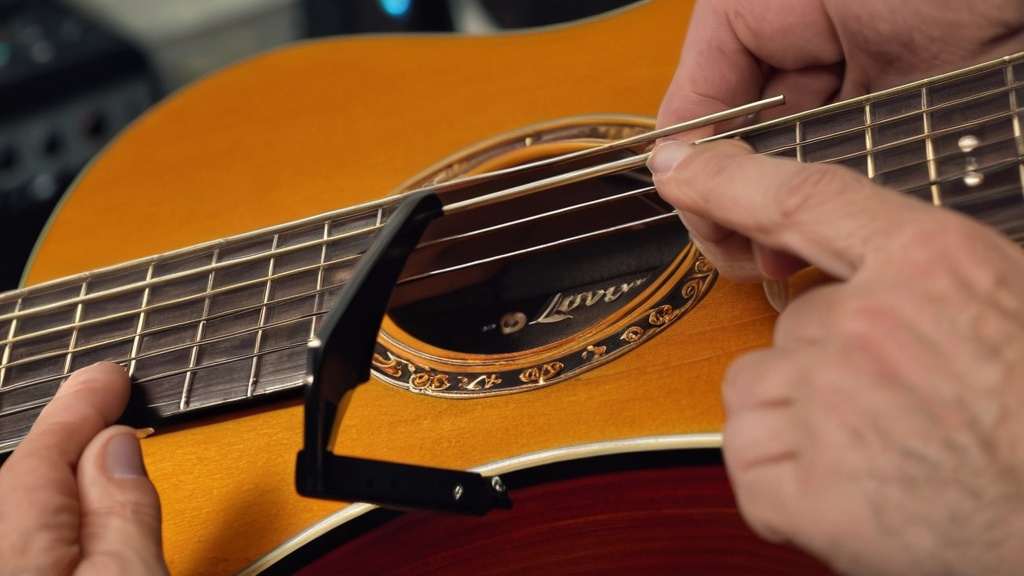
A tuner is a handy tool designed specifically to help musicians tune their instruments. It works by measuring the frequency of the sound waves the strings produce. When you pluck a string, the tuner registers the pitch and compares it with the target frequency for that particular string.
If the string is not in tune, the device gives visual or audible signals that tell you whether to tighten or loosen it. There are different types of tuners, from simple clip-on models to more advanced digital devices. Clip-on tuners are popular because they are easy to use and portable; they clip right onto the headstock of the guitar and are often very accurate.
Digital tuners, on the other hand, often offer extra features, such as different tunings and a built-in metronome, which makes them more versatile for serious musicians.
Step-by-Step Guide to Tuning a Guitar With a Tuner
Tuning your guitar with a tuner is a simple process that you can follow in a few steps. Start by attaching the tuner to the headstock of your guitar, so the device can pick up the vibrations of the strings. Make sure you are in a quiet place, so background noise does not affect the accuracy of the device.
Then start by plucking the thickest string: the low E string (the 6th string). The tuner will analyze the pitch and tell you whether it is too high or too low. If the string is too high or too low, turn the tuning peg to adjust the tension of the string.
Keep repeating this for every string until all strings are tuned correctly. Do not forget to check all the strings again after tuning, because adjusting one string can affect the tension of the others.
Standard Tuning: Which Note Goes With Which String?
Your tuner needs to know which note you are aiming for. In standard tuning you tune the strings like this, from the thickest to the thinnest:
- 6th string (thickest): E, about 82.4 Hz
- 5th string: A, 110 Hz
- 4th string: D, about 146.8 Hz
- 3rd string: G, 196 Hz
- 2nd string: B, about 246.9 Hz
- 1st string (thinnest): E, about 329.6 Hz
Two tips that save a lot of hassle. Always tune up to the note: if you are too high, first turn a little below the note and then tighten the string again. This helps the string stay in tune better. And with a chromatic tuner, watch the note name: if you see D# instead of E, for example, you are a half step too low and need to tighten further. Most tuners default to A = 440 Hz; if your tuner has a calibration setting, check that it is still set to 440.
Common Tuning Problems and How to Fix Them
Several problems can come up when tuning a guitar, and they can be frustrating for beginners and experienced musicians alike. A common problem is strings going out of tune quickly, especially new strings or strings that were recently replaced. This can happen because new strings still need to “settle” and stabilize their tension. The right approach when putting them on already helps a lot; see the tips for replacing guitar strings.
To fix this, you can try stretching the strings by hand a few times by gently pulling on them, or retune them after a few minutes of playing. Another problem you may run into is that the tuner seems inconsistent in its readings. This can be caused by outside noise or vibrations in the environment.
Make sure you are in a quiet room and that the tuner is attached firmly to the headstock. If the problem continues, it can also help to recalibrate the device or to try a different type of tuner.
Tips for Keeping Your Guitar in Tune
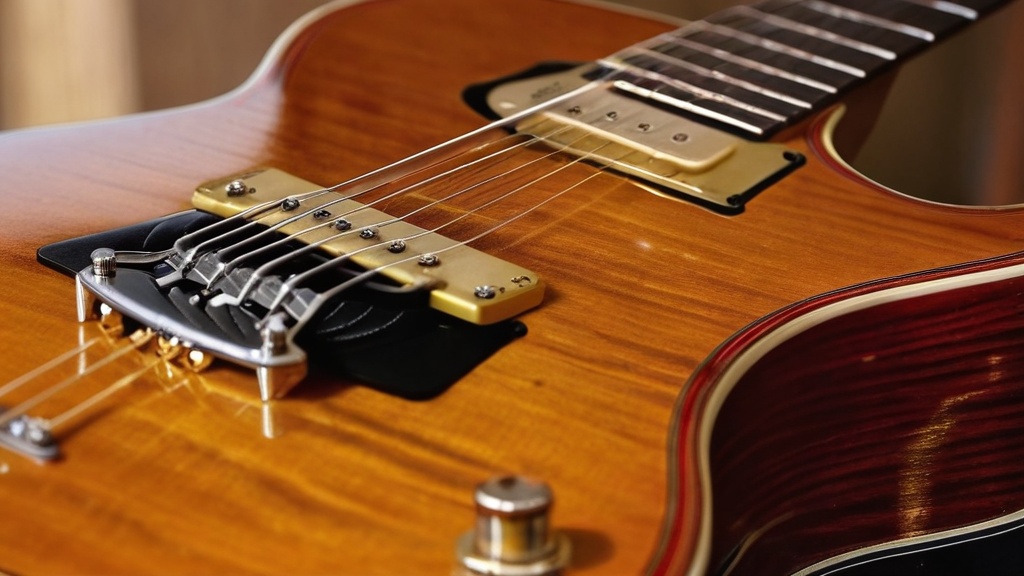
To keep your guitar in tune, regular maintenance is essential. One important tip is to clean and replace your strings regularly. Dirt and sweat can build up on the strings, which affects not only their sound but also their lifespan. How to do this safely is covered in cleaning your guitar without damaging it.
Use a soft cloth to wipe down the strings after each use and consider replacing them every few weeks or months, depending on how often you play. It is also important to store your guitar the right way. Extreme temperatures and humidity can affect the tuning and overall condition of your instrument. How often replacing is really necessary is explained in how often you should replace guitar strings.
Keep your guitar in a sturdy case or in a spot where it is protected from direct sunlight and temperature swings. By following these simple maintenance tips, you can keep your guitar in top shape. Humidity is an especially sneaky culprit: read how to protect your guitar from humidity. Which spot in your home is best for this is covered in the best ways to store your guitar at home.
Alternative Ways to Tune a Guitar
Besides using a tuner, there are several alternative ways to tune your guitar that can also work well. One popular technique is so-called “harmonic tuning”. Here you use harmonics on certain frets to make sure the strings are in tune with each other.
This takes some practice and ear training, but it can be very satisfying once you get the hang of it. Another method is tuning to reference tones, such as those from other instruments or even online sources like YouTube videos that play specific tones. This can be handy if you do not have a tuner at hand but do have access to other sound sources.
What matters most is that you choose a method that works for you and that you feel comfortable with.
Why Tuning Regularly Matters
Tuning your guitar regularly is crucial for both your enjoyment of playing and the quality of your music. Even if you only play for a short time, a change in temperature or simply touching the strings can make them drift out of tune. By checking regularly that your guitar is in tune, you make sure you can always perform at your best. What you can do about it yourself is covered in how to keep your guitar from going out of tune.
Regular tuning also helps you develop your musical ear. The more often you listen to how different notes relate to each other, the better you get at noticing differences in pitch. This will benefit not only your guitar playing but also other musical activities you are involved in.
In short, investing in good tuning habits will pay off on your musical journey.
If you are just starting out on guitar and have learned how to tune your guitar with a tuner, the next step is to develop your skills further. An excellent resource for this is the article on how to play guitar as a beginner. It offers handy tips and tricks that can help you improve your playing and gain more confidence on your musical journey. Whether you want to learn chords or refine your technique, this guide is a valuable addition to your learning.
Frequently asked questions about tuning a guitar with a tuner
What is a tuner?
A tuner is an electronic device used to determine and adjust the correct pitch of a musical instrument, such as a guitar.
How does a tuner work?
A tuner detects the frequency of the sound vibrations produced by a string of a musical instrument. Based on that frequency, the device shows whether the string is too high, too low or in tune.
Why is it important to tune a guitar?
Tuning a guitar makes sure the notes and chords sound clean. A well-tuned guitar contributes to a better musical experience and makes playing easier.
How do you use a tuner to tune a guitar?
To tune a guitar with a tuner, clip the device onto the headstock or place it close to the guitar, and play each string separately. The tuner then shows whether the string is too high, too low or in tune, so the player can adjust the string.
Are there different kinds of tuners?
Yes, there are several kinds of tuners, including clip-on tuners that attach to the headstock of the guitar, and app-based tuners that can be used on a smartphone.
In what order do you tune the strings with a tuner?
Start with the thickest string (low E) and work toward the thinnest: E, A, D, G, B and E. Then go over all the strings once more, because adjusting one string slightly changes the tension on the other strings.
Is a tuning app as good as a clip-on tuner?
At home in a quiet room, a good tuning app works fine. A clip-on tuner measures vibrations through the headstock of the guitar and is therefore less affected by background noise. That is handy in a group lesson, at a rehearsal or on stage. How to set up such an app and use it step by step is covered in the guide to using a guitar tuner app.






Leave a Reply